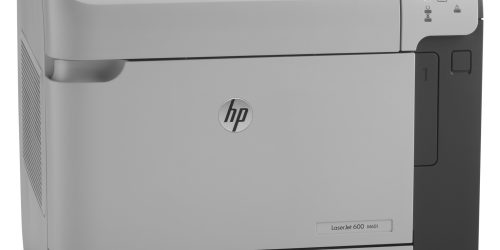
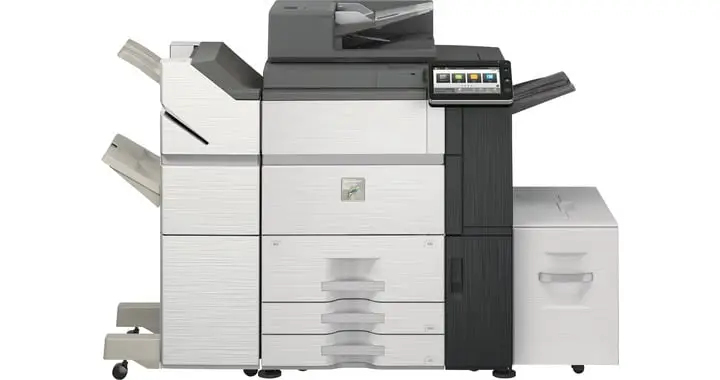
A UTAX photocopier plays a vital role in keeping daily office operations efficient. From printing contracts to scanning important documents, businesses rely on these machines for consistent performance. However, like any office equipment, a UTAX photocopier can develop issues over time. Recognising the warning signs early helps you avoid costly downtime and protects your investment. More importantly, hiring experienced professionals ensures accurate repairs, longer equipment life, and reliable performance.
Know when to repair your UTAX photocopier
Frequent paper jams signal a bigger problem
Occasional paper jams can happen with any photocopier, but repeated jams often indicate worn rollers, damaged feed mechanisms, or internal alignment issues. If your UTAX photocopier regularly experiences paper jams, avoid forcing the paper out or attempting complex repairs yourself.
Professional technicians identify the root cause, replace damaged components, and restore smooth paper handling. Their expertise prevents recurring issues and minimises interruptions to your workflow.
Poor print quality requires expert attention
Blurry text, faded prints, streaks, smudges, or uneven toner distribution often indicate internal component issues rather than simple toner shortages. A damaged drum unit, contaminated developer, or faulty fuser can affect print quality.
Professional repair specialists use the correct diagnostic tools to inspect every critical component of your UTAX photocopier. They replace worn parts with compatible components and recalibrate the machine to produce sharp, high-quality documents.
Strange noises should never be ignored
Grinding, clicking, squeaking, or rattling sounds usually indicate mechanical wear inside the copier. Loose gears, worn bearings, or damaged drive assemblies can quickly lead to major failures if left unaddressed.
Qualified technicians inspect the machine safely, identify the faulty parts, and complete the necessary repairs before the damage spreads. Early professional intervention reduces repair costs and extends the lifespan of your UTAX photocopier.
Error codes and system warnings need professional diagnosis
Modern UTAX photocopiers display error codes when they detect hardware or software issues. While restarting the machine may temporarily clear some warnings, persistent error messages often require expert troubleshooting.
Certified repair professionals understand UTAX diagnostic systems and manufacturer-recommended repair procedures. They quickly identify the underlying issue instead of relying on trial-and-error fixes. This approach restores your copier faster and reduces the risk of future breakdowns.
Slower performance and unexpected shutdowns affect productivity
A UTAX photocopier should operate efficiently throughout the workday. Slow printing, delayed scanning, frequent freezing, or sudden shutdowns usually indicate internal hardware or firmware problems.
Professional maintenance experts perform comprehensive system inspections, update firmware as needed, clean internal components, and replace failing parts. Their preventive approach improves performance while helping your business avoid unexpected downtime.
Why hiring professional UTAX repair experts matters
Choosing professional repair services offers more than a quick fix. Experienced technicians understand UTAX photocopier technology, use specialised diagnostic equipment, and follow manufacturer standards during every repair. Their expertise reduces the risk of repeat failures, improves machine reliability, and helps businesses avoid expensive replacements.
Regular servicing by qualified professionals also increases the lifespan of your UTAX photocopier, maintains consistent print quality, and supports uninterrupted office productivity. Instead of waiting for a complete breakdown, schedule professional inspections whenever you notice early warning signs. Timely repairs protect your investment and keep your business running smoothly.
Temple Knight is the most trusted name in this sector. Call us today for any further assistance required.